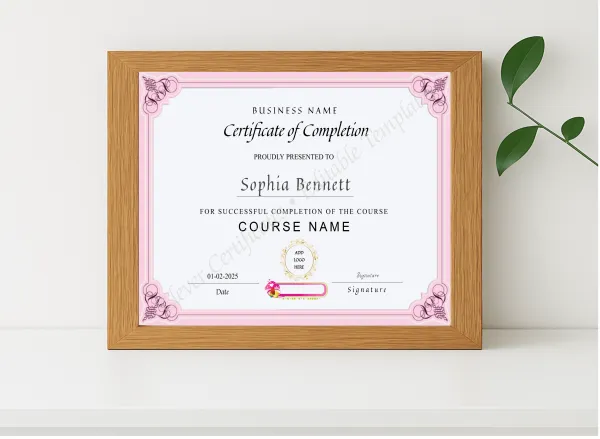
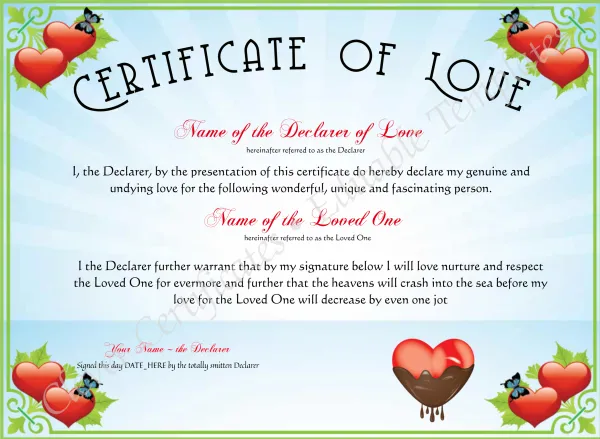
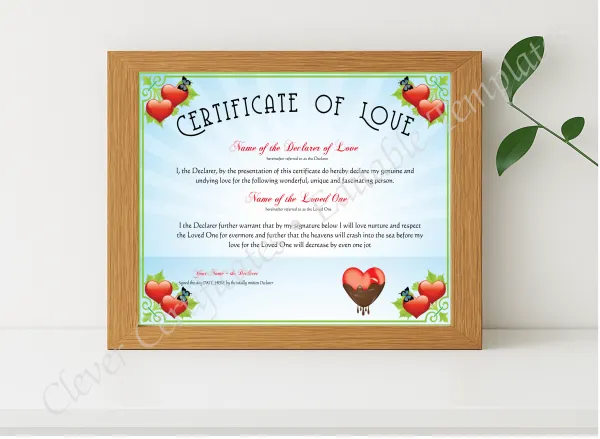
Free Online Certificate Editor & Graphic Designer

Customize any certificate template directly in your browser. Live real-time preview, mobile-friendly editing, instant high-res downloads, and free human design assistance — no software, no account, no credit card required.

Live Real-Time Preview Mobile-Friendly Instant Downloads No Account Needed No Software Required
What the Editor Does

Everything You Need, Right in Your Browser

Our free online editor is purpose-built for professional certificate design — without any of the complexity of traditional design tools.

100% Free Browser-Based Editing

Edit any certificate template directly in your browser — no registration, no account, no credit card. Just pick a template and start customizing. The editing experience is frictionless by design.

Live Interactive Preview

See changes happen in real time as you type names, dates, and text. Adjust fonts, colors, and borders and watch the certificate update instantly — no refresh, no guessing, no surprises at download.

Mobile-Friendly Editing

Design on any device — smartphone, tablet, laptop, or desktop. The editor layout adapts seamlessly to your screen. Perfect for creating certificates on the go at events, dojos, classrooms, and airports.

No Software, Downloads, or Plugins

Zero installation required. No Photoshop, no Illustrator, no desktop app. The editor runs entirely in your browser — open the link, start designing. Works on Chrome, Safari, Firefox, and Edge.

Instant High-Res Downloads

Download your finished certificate as a 300 DPI PDF, PNG, or JPG — print-ready and watermark-free. Files are suitable for professional printing, framing, emailing to recipients, or sharing on social media.

Free Human Design Assistance

Need a layout tweak, custom color, or a design element you can't do alone? Our team offers free design help — real humans, not bots. Reach out via email or WhatsApp for a fast turnaround on custom requests.

Simple Process

Edit a Certificate in 4 Easy Steps

From blank to print-ready in under 60 seconds — no design experience needed.

1

Choose a Template

Browse thousands of professional designs — filter by category, occasion, or use case.

2

Edit in Your Browser

Click any text field and type. Edit names, dates, and titles with live preview updating as you go.

3

Preview & Perfect

See your certificate exactly as it will appear. Make any final tweaks before you commit to download.

4

Download Instantly

Pay once and download a 300 DPI PDF, PNG, or JPG — print-ready and watermark-free.

Ready to Edit

Start Instantly — Choose a Popular Template

Click any certificate below to open it directly in the free online editor and start designing.

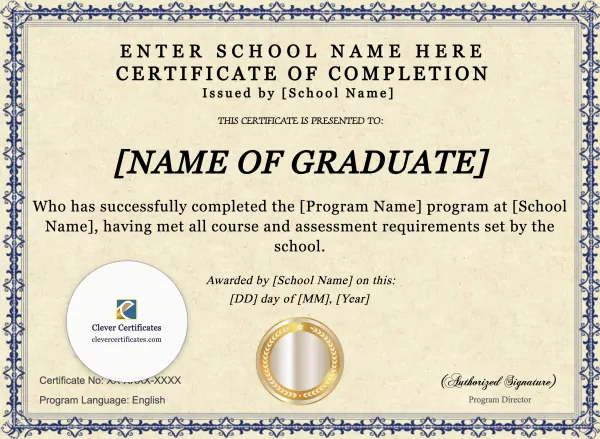
Modern Illinois High School Equivalency Certificate Template

Modern Illinois High School Equivalency Certificate Template

Edit Free — No Sign-Up
✓ 100% Free to Customize 📱 Mobile & desktop  •  300 DPI
Arizona High School Equivalency Certificate

Arizona High School Equivalency Certificate

Edit Free — No Sign-Up
✓ 100% Free to Customize 📱 Mobile & desktop  •  300 DPI
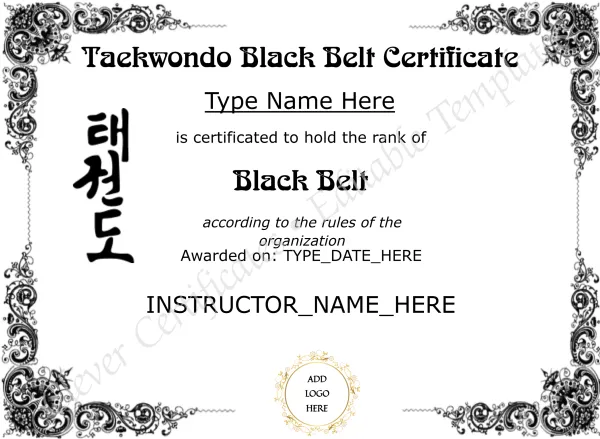
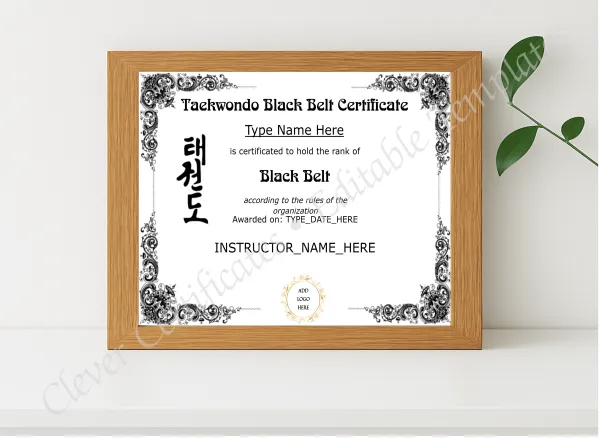
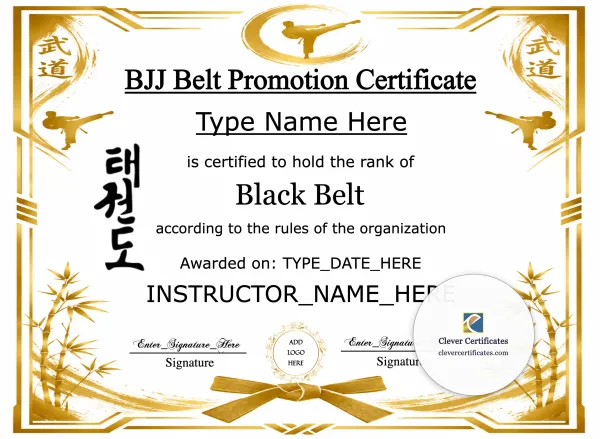
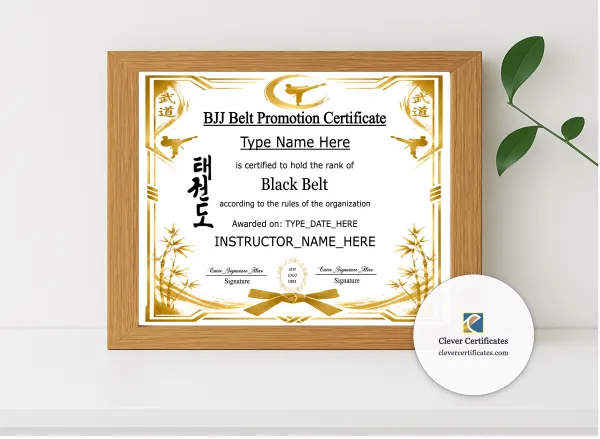
Free Editable Karate Black Belt Certificate Template

Free Editable Karate Black Belt Certificate Template

Edit Free — No Sign-Up
✓ 100% Free to Customize 📱 Mobile & desktop  •  300 DPI
Georgia High School Equivalency Certificate

Georgia High School Equivalency Certificate

Edit Free — No Sign-Up
✓ 100% Free to Customize 📱 Mobile & desktop  •  300 DPI
New Jersey High School Equivalency Certificate

New Jersey High School Equivalency Certificate

Edit Free — No Sign-Up
✓ 100% Free to Customize 📱 Mobile & desktop  •  300 DPI
Judo Rank Certificate

Judo Rank Certificate

Edit Free — No Sign-Up
✓ 100% Free to Customize 📱 Mobile & desktop  •  300 DPI
Editor Highlights

Professional Results Without the Complexity

Our free online editor was designed for people who need professional-quality certificates fast — without needing design skills, expensive software, or a lengthy learning curve. Pick a template, fill in the details, and download.

Live preview updates as you type — see exactly what you will get
Works on any device — phone, tablet, or desktop, any screen size
No account, no email confirmation, no sign-up barriers
Auto-saves your draft for 7 days — come back anytime
Edit in under 60 seconds from template selection to download
300 DPI print-ready output — PDF, JPG, PNG on download

What you can edit — for free

  • Any text field — recipient name, date, course, title, occasion
  • Certificate borders, background elements
  • Signature and logo placeholder images
  • Multiple text layers simultaneously
  • Color adjustments on supported templates

Need to upload unlimited custom logos or generate certificates in bulk from a CSV? Explore membership plans.

Ayaz — Clever Certificates Design Team
Free Human Design Assistance

Can't get the design exactly right?

Ayaz and our design team offer free layout tweaks for any certificate template. Email or WhatsApp us with your requirements — we'll handle the custom design details for you, at no extra charge.

GED & Diploma Certificates

Edit GED & High School Equivalency Certificates Online

Use our free online editor to customize GED, HiSET, and HSE diploma certificate templates — no software needed. Browse by state or visit the full GED hub.

FAQ

Frequently Asked Questions

Common questions about our free online certificate editor.
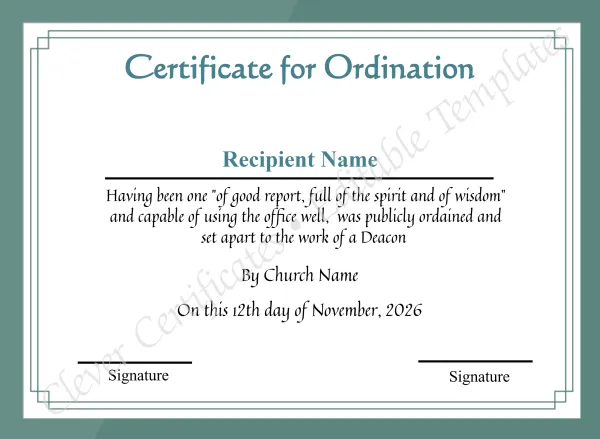
Yes — editing is 100% free with no account, no sign up, and no credit card required. You can browse templates, customize text, names, dates, and images at zero cost. You only pay when you are ready to download your finished, watermark-free certificate.

No. Our editor runs entirely in your web browser. No downloads, no plugins, no extensions required. Just open the template in your browser and start editing instantly — on any device.
Yes. The editor is fully mobile-friendly and works seamlessly on smartphones, tablets, laptops, and desktop computers. The layout adapts to your screen size so editing on a phone is just as smooth as on a desktop.

As you type names, change dates, or update any text field, the certificate preview updates in real time — you see exactly what the finished certificate looks like before you download. No reloading, no guessing.

You can replace or remove any existing image on the template — including logo areas and signature placeholders. For unlimited custom logo uploads and advanced branding controls, the Full Editor (available with a membership) gives you complete image management.

After purchase you receive a high-resolution download in PDF, JPG, or PNG format at 300 DPI — fully print-ready with no watermarks. These files are suitable for professional printing, framing, digital delivery, or sharing on social media.

Absolutely. If you need a custom layout tweak, color change, or a design element you cannot do yourself, our team offers free design assistance. Email Ayaz directly at ayazashrafbusiness@gmail.com or reach out via WhatsApp for a quick turnaround.